















How To Start Mining Quai SHA256

Choose Mining Server QUAI

  Difficulty TCP Port
Any ASIC Low Difficulty (~S17, M20)  Any ASIC Low Difficulty (~S17, M20) 100K eu.quaisha256.k1pool.com:3388

Any ASIC Medium Difficulty (~S19, M60)  Any ASIC Medium Difficulty (~S19, M60) 500K eu.quaisha256.k1pool.com:3389
Any ASIC High Difficulty (~S21, M63)  Any ASIC High Difficulty (~S21, M63) 1000K eu.quaisha256.k1pool.com:3390
  Difficulty TCP Port
Any ASIC Low Difficulty (~S17, M20)  Any ASIC Low Difficulty (~S17, M20) 100K us.quaisha256.k1pool.com:3388
Any ASIC Medium Difficulty (~S19, M60)  Any ASIC Medium Difficulty (~S19, M60) 500K us.quaisha256.k1pool.com:3389
Any ASIC High Difficulty (~S21, M63)  Any ASIC High Difficulty (~S21, M63) 1000K us.quaisha256.k1pool.com:3390
  Difficulty TCP Port
Any ASIC Low Difficulty (~S17, M20)  Any ASIC Low Difficulty (~S17, M20) 100K cn.quaisha256.k1pool.com:3388
Any ASIC Medium Difficulty (~S19, M60)  Any ASIC Medium Difficulty (~S19, M60) 500K cn.quaisha256.k1pool.com:3389
Any ASIC High Difficulty (~S21, M63)  Any ASIC High Difficulty (~S21, M63) 1000K cn.quaisha256.k1pool.com:3390
  Difficulty TCP Port
Any ASIC Low Difficulty (~S17, M20)  Any ASIC Low Difficulty (~S17, M20) 100K ru.quaisha256.k1pool.com:3388
Any ASIC Medium Difficulty (~S19, M60)  Any ASIC Medium Difficulty (~S19, M60) 500K ru.quaisha256.k1pool.com:3389
Any ASIC High Difficulty (~S21, M63)  Any ASIC High Difficulty (~S21, M63) 1000K ru.quaisha256.k1pool.com:3390
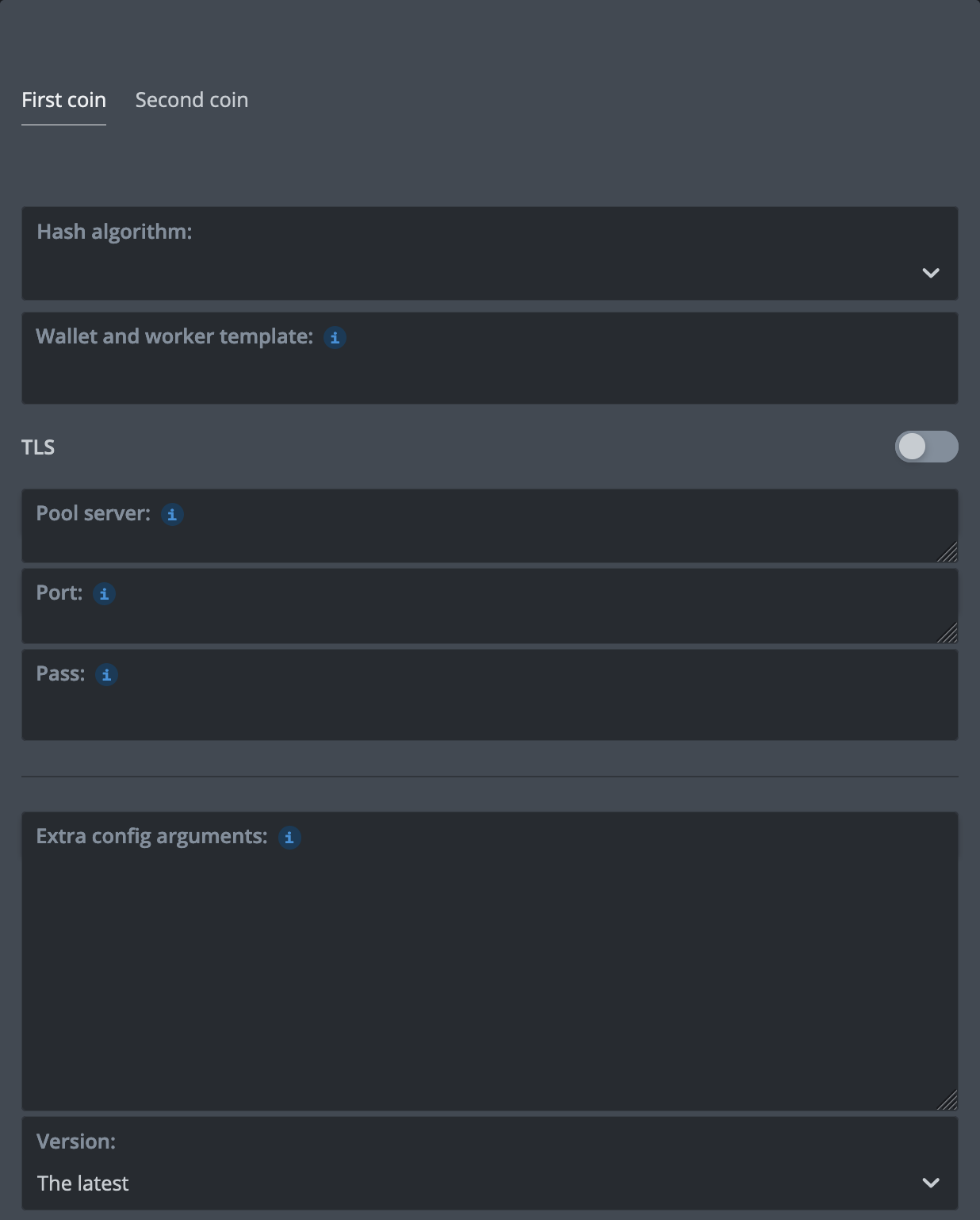
Any asic configuration QUAI sha256 %WAL%.%WORKER_NAME% %URL_HOST% %URL_PORT% x

Step 1 - Register

Register or login to get your account address.
Anonymous mining not supported. Use Kr_WALLET inside your rig\asic settings. Kr_WALLET is internal k1pool wallet (similar to unique username).

Step 2 - Check the mining status

After starting mining, it is important to ensure that the pool detects your Worker and accepts shares. To verify, go to the section  My stats . Approximately 5-10 minutes after the first share is detected, the Worker will appear as active. You can also find your Worker using the search bar in the top-right menu.
Structured mining data is available on the Dashboard page, where activity across all coins is displayed.

Step 3 - Getting Started with Cryptocurrency Payouts (QUAI)

To start receiving payouts from the pool, create a QUAI wallet on one of the cryptocurrency exchanges:

After creating a QUAI wallet, add it on the Wallets page on our website. Don’t forget to set the minimum payout threshold. The pool fee field can be left empty. By default, the pool fee is 1%. Please confirm your wallet address via email. On the statistics page  My stats , you can view your confirmed balance and the progress bar towards the payout threshold. Once the progress bar reaches 100%, the payout will be made according to the payout interval. QUAI payouts are processed once every 6 hours.

Additional options:

You can also create a QUAI wallet on the official Quai SHA256 website and set it up directly on your operating system.

Step 4 - Still have questions? We’ll help you find the answer!

If you encounter difficulties or have questions about setup, overclocking, firmware, GPUs, or any other aspects of mining on our pool, our technical support team is ready to assist you every step of the way. Reach out to us through our channels on Telegram or Discord for direct assistance.

Step 5 - Setup Payout Wallet (QUAI)

You could download official Quai wallet or generate an address at a crypto exchange, for example MEXC.
After that enter your QUAI address (wallet) on Wallets page for payouts.

Hash Power Rental Services

Our pool works with Hash Power rental services Miningrigrentals.com and NiceHash.com.


Settings for NiceHash.com:

Custom pool name: K1Pool QUAISHA256
Algorithm: SHA256
Stratum hostname or IP: eu.quaisha256.k1pool.com
Port: 3390
Username: Kr_WALLET
Password: x


Settings for Miningrigrentals.com:

Name: K1Pool QUAISHA256
Type: KawPOW
Pool Host: eu.quaisha256.k1pool.com:3388
Workername (-u): Kr_WALLET
Password (-p): x

Telegram support chat

Please feel free to contact our support team if you have any questions